
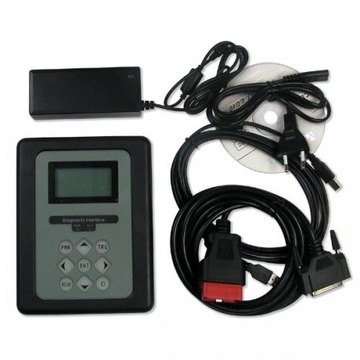
![[UK Ship] Volvo 88890300 Vocom Interface for Volvo/Renault/UD/Mack Multi-languages Truck Diagnose Square Interface](http://www.looksaving.com/photo/p1019416-640x640-uk-ship-volvo-88890300-vocom-interface-for-volvo-renault-ud-mack-multi-languages-truck-diagnose-square-interface.jpg "[UK Ship] Volvo 88890300 Vocom Interface for Volvo/Renault/UD/Mack Multi-languages Truck Diagnose Square Interface")
![[UK Ship] Volvo 88890300 Vocom Interface for Volvo/Renault/UD/Mack Multi-languages Truck Diagnose Square Interface](http://www.looksaving.com/photo/p1019416-100x100-uk-ship-volvo-88890300-vocom-interface-for-volvo-renault-ud-mack-multi-languages-truck-diagnose-square-interface.jpg "[UK Ship] Volvo 88890300 Vocom Interface for Volvo/Renault/UD/Mack Multi-languages Truck Diagnose Square Interface")
Shipping calculated at checkout.
United States
Carrier
CostDelivery TimeTracking
China Post Air Parcel
$ 11.49 0-27 daysAvailable
DHL
$ 26.97 0-7 daysAvailable
[UK Ship] Volvo 88890300 Vocom Interface for Volvo/Renault/UD/Mack Multi-languages Truck Diagnose Square Interface
Volvo 88890300 Vocom Interface for Volvo/Renault/UD/Mack Truck Diagnose
Volvo 88890300 Vocom Interface is a diagnostics application that covers the whole repair process through the use of plug-ins. With Volvo 88890300 Vocom Interface you can diagnose, test, calibrate, and program a product. A product could be a vehicle, engine, or a machine. Volvo 88890300 Vocom Interface also provide functions for updating the tool, communication with the product, and other external applications. The set of plug-ins, user authorizations, and available languages is adjustable to provide every user with what they need.
Top 2 Reasons to Get Volvo 88890300 Vocom:
1. Support Volvo Renault UD Mack Truck Diagnose
2. Multi-Languages
1. First use USB cable as below to connect your laptop with Vocom unit.
2. Go to open Volvo PTT software. Choose “Setting” → “Communication unit configuration”→ “Configure”→ “USB+ Directly to Communication unit”.
3. Choose “Direct” → “Restore default values” → “Apply” → “OK”.
4. Click OK again then disconnect the USB cable from laptop.
5. Go to “Setting” → “Comm.unit Selection” → “Communication unit 8889300 ….Nickname”
6. Now you can use signal and get wireless signal. All OK. In this way you can set Volvo Vocom 88890300 Interface WIFI connection easily and successfully!
What is Different Between Volvo 88890300 Vocom or VCADS Pro?
Volvo 88890300 Vocom can work with old and new Volvo heavy duty, supports j1708 and j1939, can perform programming etc, Vocom can diagnose Volvo Penta that Volvo VCADS Pro 2.40 can’t.
Volvo VCADS Pro 2.40 is for diagnosing the old Volvo trucks, supports j1708 protocol.
Volvo 88890300 Vocom Interface Software Display:
Please enter your target price
Please provide a quantity
United States
Please provide your name
Please enter your email adress
Enter a valid email address
Please enter the phone number
Please enter the inquiry information
Adblueobd2 Emulator 7-in-1 Plus Truck Adblueobd2 Emulator Straight down 11%
Cheap AdBlueOBD2 Emulator For MAN Trucks Override ADBlue System Instantly
![[UK Ship] Volvo 88890300 Vocom Interface for Volvo/Renault/UD/Mack Multi-languages Truck Diagnose Square Interface](http://www.looksaving.com/photo/p1019438-360x360-uk-ship-volvo-88890300-vocom-interface-for-volvo-renault-ud-mack-multi-languages-truck-diagnose-square-interface.jpg)
Adblueobd2 Emulator 7-in-1 Plus Truck Adblueobd2 Emulator Straight down 11%
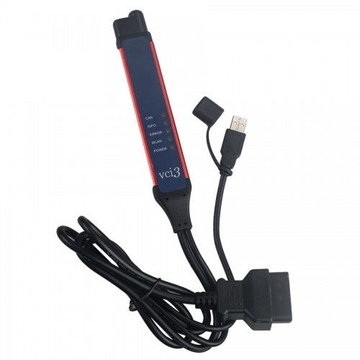
V2.43 Scania VCI-3 VCI3 Scanner Wifi Diagnostic Tool Multi-language Support Win7/Win10
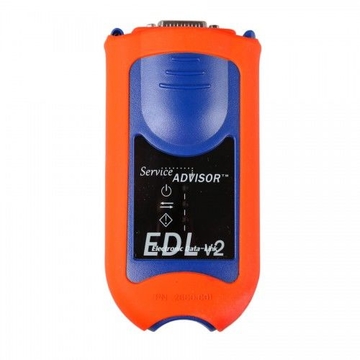
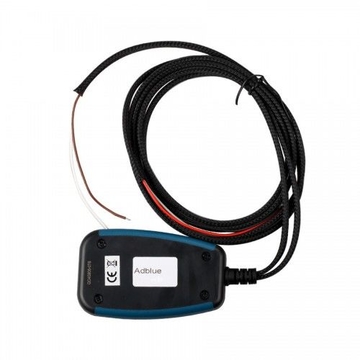
Truck Adblueobd2 Emulator For MAN Heavy Duties
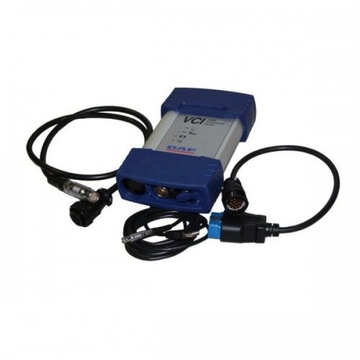
Original DAF VCI-560 KIT DAF Truck Diagnostic Tool with WIFI
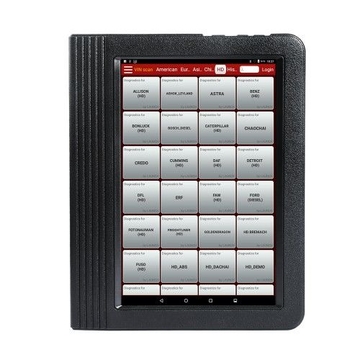
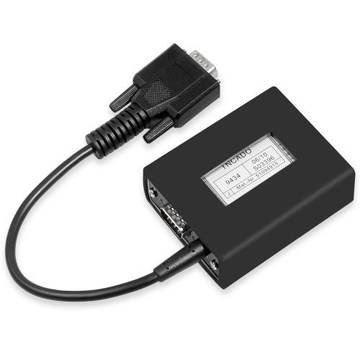
Jungheingrich Judit Incado Box with Judit 4.35 2019V Software
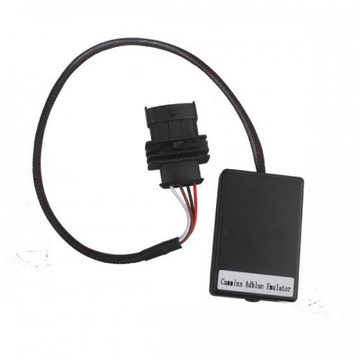
Adblue- Nox Emulator for Cummins
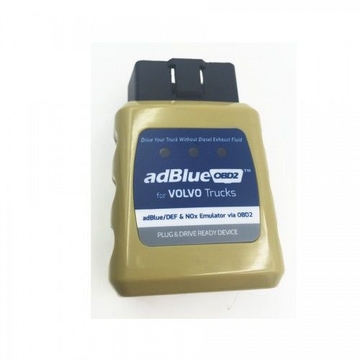
AdblueOBD2 Emulator for VOLVO Trucks Plug and Drive Ready Device by OBD2
![[UK Ship] Cummins INLINE 6 Data Link Adapter](http://www.looksaving.com/photo/p1019429-360x360-uk-ship-cummins-inline-6-data-link-adapter.jpg)
[UK Ship] Cummins INLINE 6 Data Link Adapter
Original Subaru SSMIII Multi languages Diesel Scanner for Subaru Cars
![[UK Ship] Volvo 88890300 Vocom Interface for Volvo/Renault/UD/Mack Multi-languages Truck Diagnose Square Interface](http://www.looksaving.com/photo/p1019416-360x360-uk-ship-volvo-88890300-vocom-interface-for-volvo-renault-ud-mack-multi-languages-truck-diagnose-square-interface.jpg)